For engineers looking for a laser sensor for Raspberry Pi that can be used in real industrial or OEM systems, UART-based télémètre laser modules are often more reliable than hobby-grade sensors
Raspberry Pi is a versatile and affordable microcomputer that has become a go-to solution for a wide range of DIY projects and industrial applications. When paired with a laser sensor for Raspberry Pi, it opens up a world of possibilities for building precise, long-range measurement systems for industries such as automation, arpentage, robotics, and more.
In this article, we will explore how to integrate laser sensor for Raspberry Pi with Meskernel’s high-precision sensors to create robust long-range measurement systems. We’ll cover sensor selection, integration steps, and real-world applications for your projects.
Why Choose Raspberry Pi for Laser Measurement Systems?
Raspberry Pi offers several key advantages that make it an ideal platform for laser sensor for Raspberry Pi integration:
- Cost-Effective: Raspberry Pi is an affordable platform, making it perfect for prototyping, academic use, and small-scale projects.
- High Flexibility: With its extensive I/O interfaces and GPIO pins, Raspberry Pi can easily interface with various sensors, including laser sensor for Raspberry Pi.
- Easy Connectivity: Raspberry Pi supports Wi-Fi and Bluetooth, making remote monitoring and data transmission seamless.
Meskernel’s Laser Sensors for Raspberry Pi Integration
Meskernel provides several laser sensor options that can be seamlessly integrated with Raspberry Pi, offering high accuracy for long-range measurements. Below are some of the best options to pair with your Raspberry Pi for various applications:
- Plage de mesure: 5m to 2000m
- Précision: ±1m
- Longueur d'onde du laser: 905nm, Class I
- Interfaces: UART/RS485/RS232
- Alimentation électrique: 3.3V
The TS1224 Laser Rangefinder Sensor is compact and perfect for long-distance applications. With a measurement range of up to 2000 meters, it is an excellent choice for large-scale projects like surveying and industrial monitoring, easily integrated with Raspberry Pi for precise measurements.
- Plage de mesure: 0.03m to 100m (varies by model)
- Précision: ±(1mm + D*(1/10000))
- Longueur d'onde du laser: 610-690nm (Red) / 510-550nm (Green)
- Interfaces: USART/RS485/RS232
These laser sensor for Raspberry Pi are designed for high-precision applications, with millimeter-level accuracy. The green laser version is particularly beneficial in outdoor environments with high ambient light, making it ideal for applications like UAVs and construction.
- Plage de mesure: Up to 3000m
- Précision: ±1m
- Longueur d'onde du laser: 905nm
- Interfaces: UART/RS485/RS232
The Pulse Laser Rangefinder Sensor series offers high-speed measurement capabilities and can be used for remote monitoring, drone applications, and more. These sensors come in different shapes, such as cylindrical, square, and telescope, providing flexibility for various use cases.
How to Integrate Laser Sensors for Raspberry Pi
Integrating laser sensor for Raspberry Pi is a simple process, and with the right tools and libraries, it can be accomplished quickly. Here’s a step-by-step guide:
Step 1: Install the Necessary Libraries
To communicate with laser sensor for Raspberry Pi, you’ll need the appropriate Python libraries. For UART-based sensors, you can use the pySerial library to send and receive data.
To install pySerial, run the following commands:
sudo apt-get update
sudo apt-get install python3-serial
Step 2: Connect the Sensor to Raspberry Pi
Use the Raspberry Pi’s GPIO pins or UART interface to connect your laser sensor for Raspberry Pi. For example, with the TS1224, you can connect it to the UART TX/RX pins for communication.
Step 3: Write the Code
Once the sensor is connected, write a Python script to interact with the sensor and collect distance data. Here’s an example of how to communicate with your sensor:
import serial
import time

# Open serial connection
ser = serial.Serial('/dev/ttyS0', 9600)  # Adjust for your serial port

while True:
    # Send the command to start measurement
    ser.write(b'GET_DISTANCE')  # Replace with the actual command for your sensor
    distance = ser.readline()  # Read the response
    print(f"Measured Distance: {distance} meters")
    time.sleep(1)
Step 4: Visualize the Data
You can use Python libraries like Matplotlib or PyQt to visualize the real-time data. Alternatively, integrate the data into a web-based dashboard for remote monitoring and visualization.
Applications of Laser Sensors for Raspberry Pi
Combining laser sensor for Raspberry Pi with Meskernel’s precision sensors opens up a range of potential applications across industries. Below are a few common use cases:
1. Automatisation industrielle
Use laser sensor for Raspberry Pi to monitor production lines, track materials in warehouses, or measure distances in automated systems. Raspberry Pi can act as the central controller for sensor integration, data processing, and control.
2. Geodetic Surveying
Meskernel’s high-accuracy capteurs laser de phase, when paired with Raspberry Pi, offer a precise solution for land surveying, making it easier to gather and process measurement data for construction and mapping projects.
3. Robotics and UAVs
Integrate the TS1224 Laser Rangefinder or pulse laser rangefinder sensors with Raspberry Pi to enable autonomous navigation, obstacle détection, and 3D mapping in robots and drones.
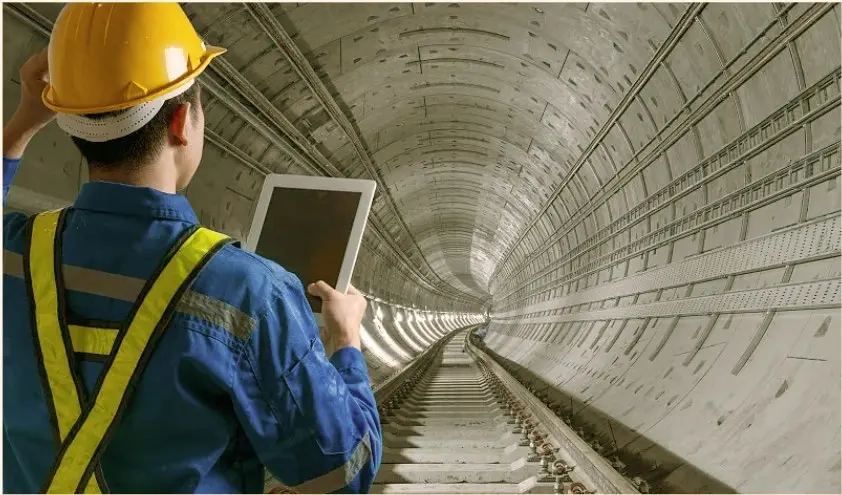
4. Construction et ingénierie
Use laser sensor for Raspberry Pi to measure distances on construction sites, monitor structures, and perform real-time analysis of measurements to ensure project accuracy.
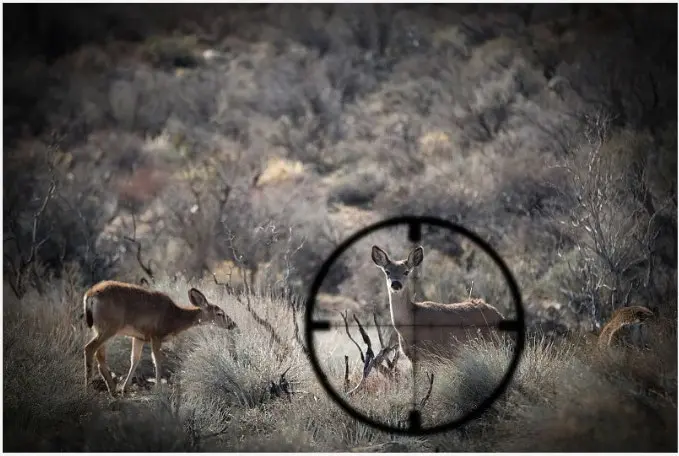 Télémètres de chasse



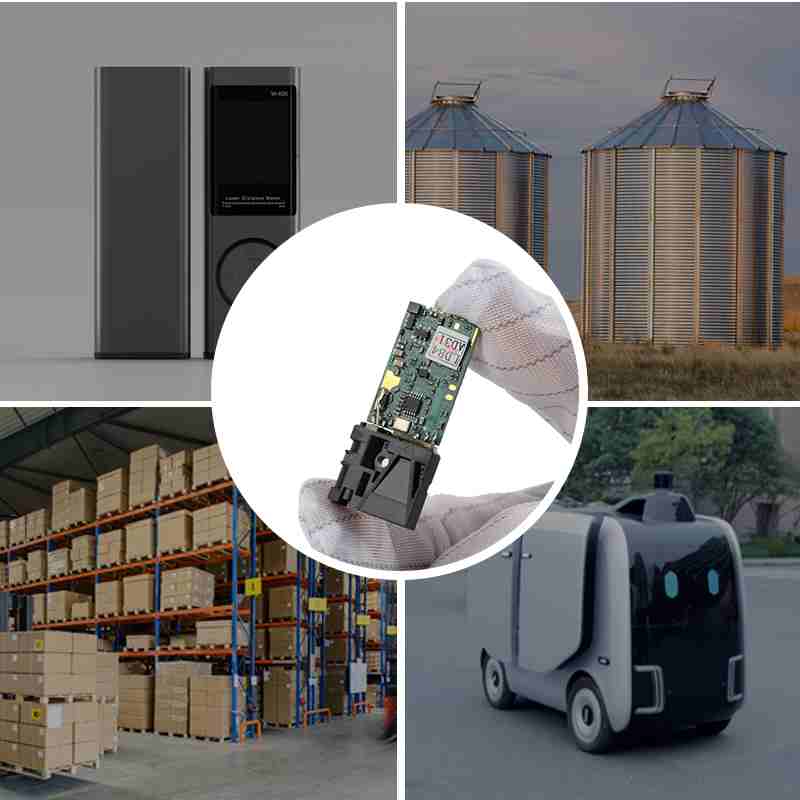
By combining laser sensor for Raspberry Pi with Meskernel’s advanced mesure laser technologies, you can build highly accurate and cost-effective long-range measurement systems. Whether for industrial automation, surveying, robotics, or construction, Meskernel’s sensors provide reliable performance and precision, making them the perfect choice for your Raspberry Pi-based projects.
Contactez nous today to explore our full range of laser sensor for Raspberry Pi and get a custom solution for your measurement needs.
Foire aux questions (FAQ)
-
What is the best laser sensor for Raspberry Pi?
The best laser sensor for Raspberry Pi depends on your application requirements such as measurement range, accuracy, and environment.
For long-range measurement, pulse laser rangefinder modules (up to 2 km or more) are ideal.
For high-precision short to mid-range applications, phase-based distance laser sensors with millimeter accuracy are often the best choice.
Engineers typically prefer UART-based laser capteur de distance modules because they offer better stability and longer measurement ranges compared to simple hobby-grade sensors.
-
Can Raspberry Pi handle long-range laser distance sensors?
Yes, Raspberry Pi can reliably handle long-range Détecteurs de distance à laser, as long as the sensor itself performs the distance calculation internally.
Most industrial laser rangefinder modules communicate via UART, RS485, or RS232, sending distance data directly to Raspberry Pi. This means Raspberry Pi only needs to read serial data, not process high-speed optique signals, making it fully suitable for long-range laser measurement systems.
-
Laser sensor for Raspberry Pi: UART or I2C?
For most professional and industrial projects, UART is the preferred interface for a laser sensor for Raspberry Pi.
UART
More stable over long distances
Higher data reliability
Commonly used by industrial laser rangefinder modules
I2C
Suitable for short-range, low-speed sensors
Longueur de câble limitée
More sensitive to interference
If you are building a long-range or OEM laser measurement system, UART-based capteurs laser are strongly recommended.
-
Is a laser sensor better than ultrasonic sensors for Raspberry Pi?
Yes, in most precision applications, a laser sensor for Raspberry Pi performs significantly better than ultrasonic sensors.
Laser sensors provide:
Higher accuracy
Longer measurement range
Temps de réponse plus rapide
Mesure sans contact without sound interference
This makes laser sensors more suitable for industrial automation, robotics, surveying, and OEM systems.
-
Can Raspberry Pi be used in industrial laser measurement systems?
Raspberry Pi is commonly used as a controller or data processor in industrial laser measurement systems, especially for:
Prototyping
Edge data processing
Communication gateways
System integration testing
When combined with industrial-grade laser distance sensors, Raspberry Pi can serve as a reliable and cost-effective control unit.
-
What power supply is required for a laser sensor for Raspberry Pi?
Most laser sensors for Raspberry Pi operate at 3.3V or 5V, but long-range laser rangefinder modules may require higher current.
Best practice:
Power Raspberry Pi separately
Use a dedicated regulated power supply for the laser sensor
Connect grounds together to ensure stable communication
This setup improves system stability and précision des mesures.
-
Is a laser sensor for Raspberry Pi suitable for OEM products?
Yes. Many OEM manufacturers use Raspberry Pi during:
Proof-of-concept development
Functional validation
Early-stage system integration
For mass production, Raspberry Pi can later be replaced with an embedded controller, while the laser sensor module remains the same, reducing development risk and cost.
https://meskernel.net/connect-arduino-distance-sensors/