UART ToF Laser Sensor Raspberry Pi Integration
Setup, Communication Protocols, and Troubleshooting Guide
Integrating a ToF (Time of Flight) laser 거리 센서 with a Raspberry Pi via UART is a common requirement in robotics, industrial automation, and embedded systems. However, many developers encounter a frustrating issue:
“Can’t communicate with the 레이저 거리 sensor via UART.”
This article provides a complete, engineer-level guide covering:
- How ToF 레이저 센서 work
- Why UART is widely used for 레이저 거리 측정
- Step-by-step Raspberry Pi integration
- Common UART communication failures and how to fix them
- Practical data parsing examples
Whether you are working with a mini ToF laser range sensor or debugging an existing setup, this guide is designed to get you up and running quickly.
What Is a ToF Laser Distance Sensor?
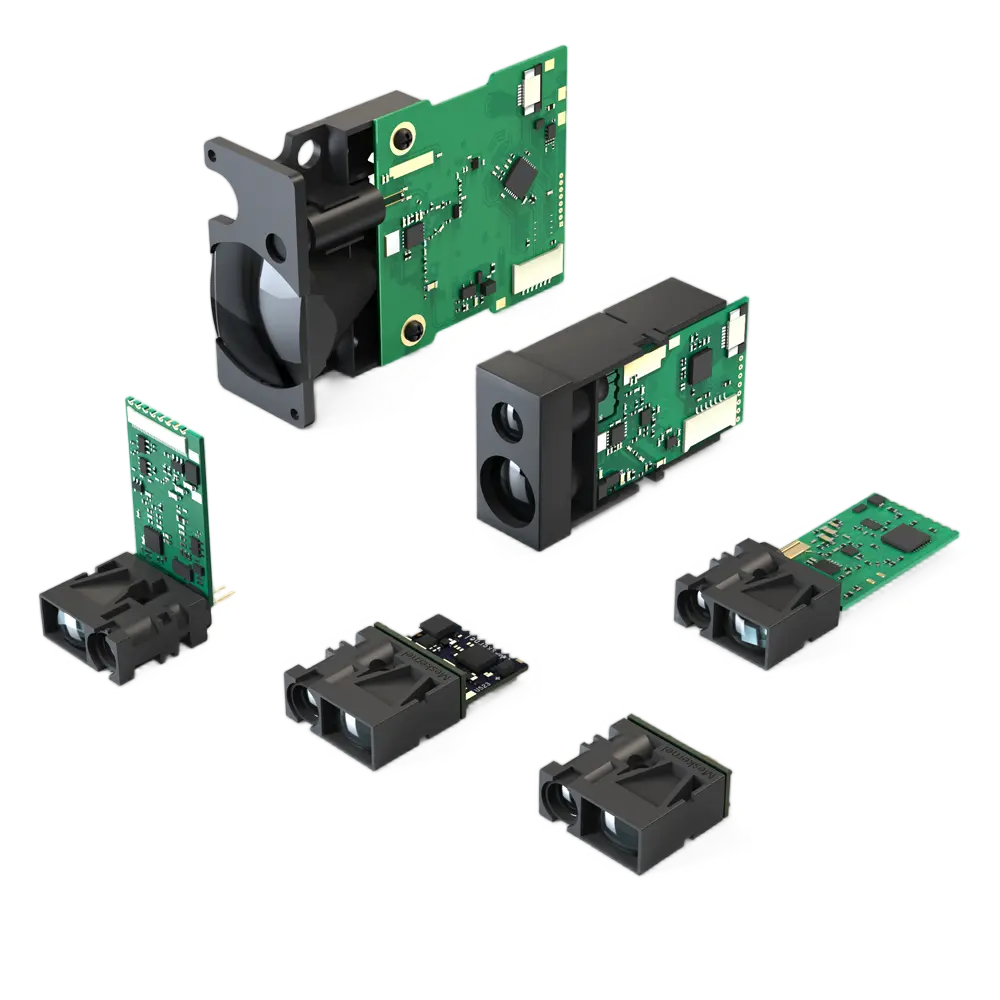
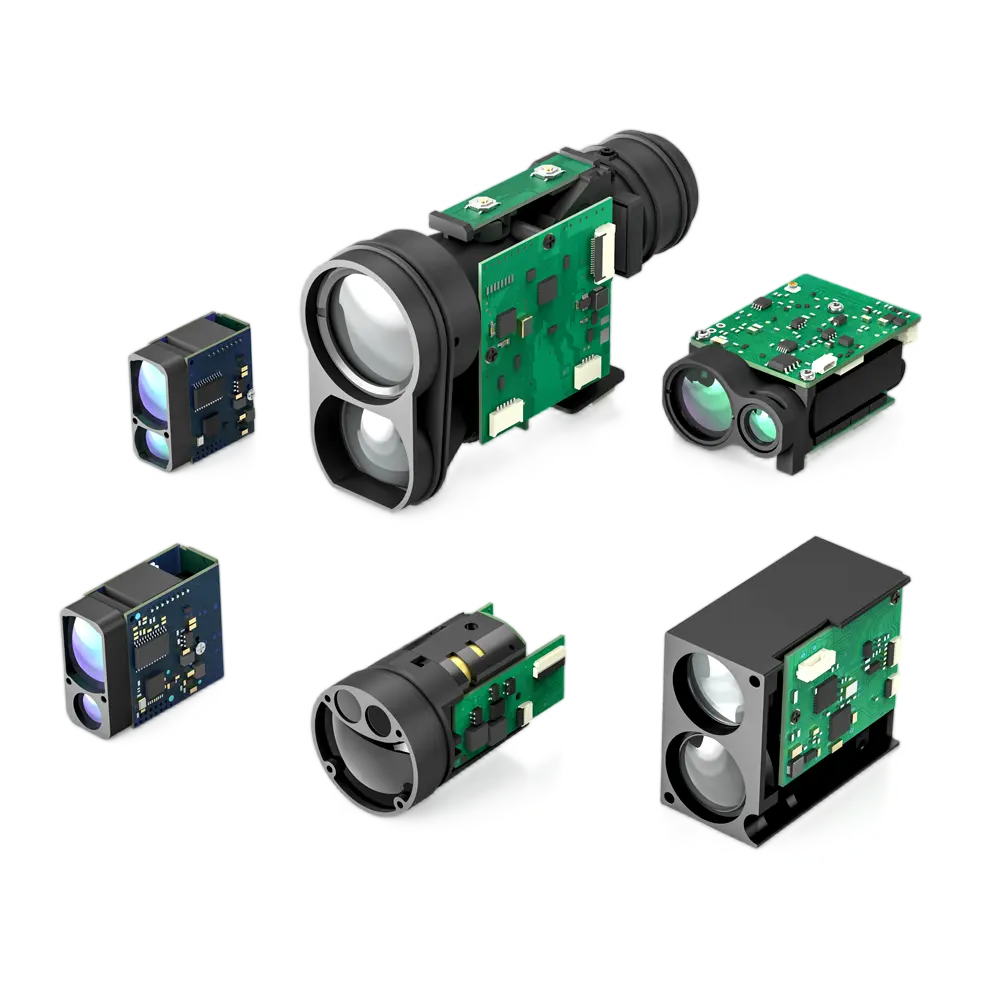
A ToF laser sensor measures distance by emitting a laser pulse and calculating how long it takes for the reflected light to return to the receiver. Because the speed of light is constant, the sensor can compute distance with high accuracy.
Key advantages of ToF 레이저 센서:
- 밀리미터 수준의 정확도
- Fast response times (hundreds to thousands of Hz)
- Strong resistance to ambient light
- Suitable for both short- and long-range measurement
These features make ToF 센서 ideal for robot 탐색, obstacle avoidance, industrial positioning, and smart devices.
Why Many ToF Laser Sensors Use UART
ToF laser modules commonly support UART (Universal Asynchronous Receiver/Transmitter) instead of I²C or SPI. The reason is reliability and simplicity.
UART vs Other Protocols (Quick Comparison)
| 프로토콜 | 장점 | 단점 |
|---|
| UART | Long distance, stable, simple wiring | Point-to-point only |
| I²C | Multi-device bus, fewer wires | Short distance, noise-sensitive |
| SPI | 매우 빠름 | More wires, short range |
Why UART is preferred for 레이저 거리 센서:
- Stable communication over longer cables
- Handles high-frequency data streams better
- Simple framing for binary measurement data
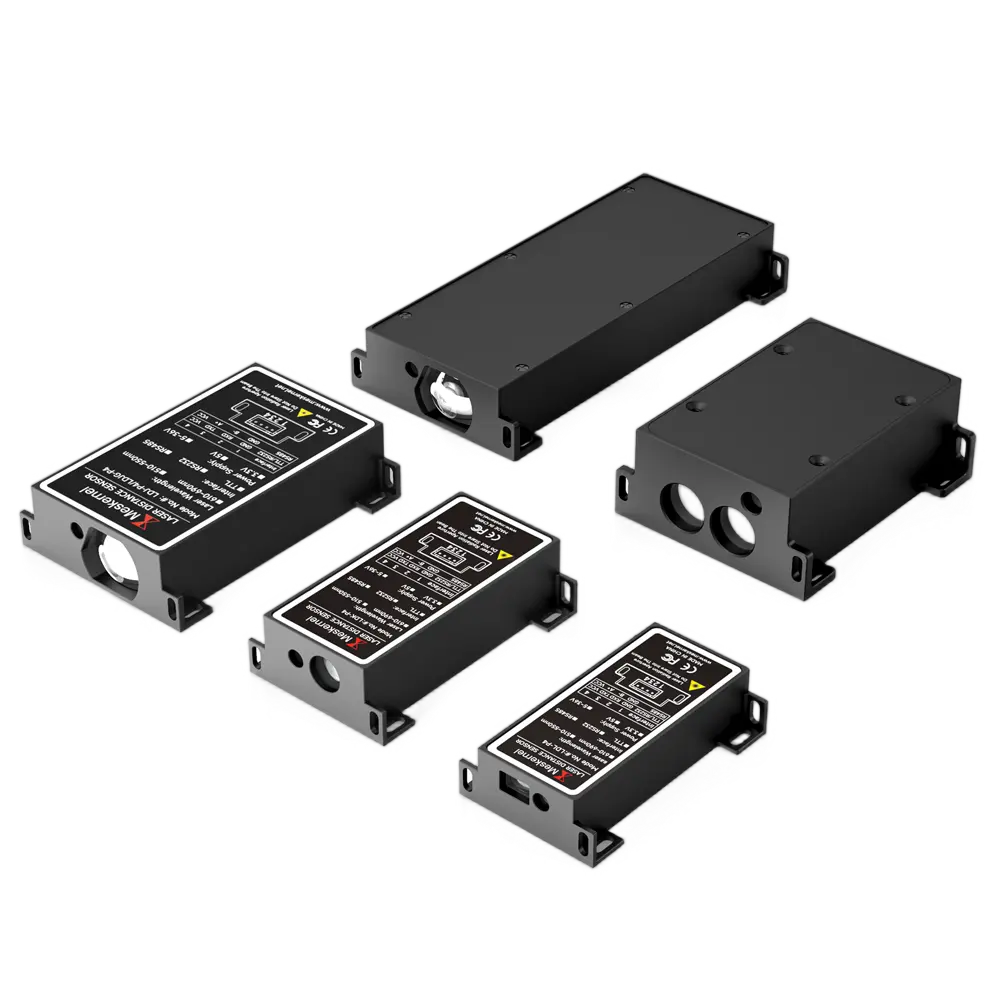
For mini ToF laser range sensors, UART offers the best balance of speed, stability, and ease of use.
How Hardware Communication Protocols Power Laser Sensors
UART communication relies on:
- TX (Transmit)
- RX (Receive)
- GND (Ground)
Unlike clock-based protocols, UART depends on precise timing, defined by parameters such as:
- Baud rate (e.g. 9600, 115200)
- Data bits
- Stop bits
- Parity
Most ToF laser sensors transmit binary data frames, not ASCII text. Misunderstanding this detail is a common cause of communication failure.
UART Laser Sensor Raspberry Pi Integration (Step by Step)
This section focuses on integration with Raspberry Pi Foundation platforms running Raspberry Pi OS.
1. Hardware Wiring (Critical Step)
Typical UART wiring:
| 레이저 센서 | 라즈베리 파이 |
|---|
| TX | RX (GPIO15) |
| RX | TX (GPIO14) |
| GND | GND |
⚠️ Important Notes
- Raspberry Pi UART uses 3.3V logic
- Many laser sensors output 5V UART
- Use a level shifter if the sensor is not 3.3V compatible
Incorrect voltage levels can permanently damage GPIO pins.
2. Enable UART on Raspberry Pi
Open configuration:
sudo raspi-config
Then:
- Interface Options → Serial
- Disable login shell over serial
- Enable serial hardware
Verify:
ls /dev/ttyAMA0
ls /dev/ttyS0
If UART is missing, check /boot/config.txt:
enable_uart=1
3. Disable Bluetooth UART Conflict
On many Raspberry Pi models, Bluetooth occupies the primary UART.
Add to /boot/config.txt:
dtoverlay=disable-bt
Reboot the system after making changes.
Raspberry Pi UART Documentation
“Can’t Communicate with Laser Distance Sensor via UART”?
Most Common Causes and Fixes
❌ Problem 1: Wrong Baud Rate
Many developers assume 9600, but ToF sensors often use:
📌 Fix:
Check the sensor datasheet or test multiple baud rates using minicom.
❌ Problem 2: TX and RX Reversed
This is the #1 physical wiring mistake.
📌 Fix:
Always cross-connect:
- Sensor TX → Pi RX
- Sensor RX → Pi TX
❌ Problem 3: Voltage Level Mismatch
5V UART output into a 3.3V GPIO pin may:
- Cause random data
- Destroy the GPIO
📌 Fix:
Use a bidirectional logic level converter.
❌ Problem 4: Binary Data Interpreted as Text
Laser distance sensors usually transmit binary frames, not readable text.
📌 Fix:
Read raw bytes and parse according to the protocol specification.
❌ Problem 5: UART Disabled or Occupied
Linux console or Bluetooth may still be using the UART port.
📌 Fix:
- Disable serial console
- Disable Bluetooth overlay
- Reboot and retest
How to Read and Parse ToF Laser Sensor Data via UART
Below is a minimal Python example using pySerial:
import serial

ser = serial.Serial(
    port='/dev/ttyAMA0',
    baudrate=115200,
    timeout=1
)

data = ser.read(9)
print(data)
Typical ToF 센서 data frames include:
- Header bytes
- Distance value (high + low byte)
- Signal strength
- Checksum
Always consult the sensor’s protocol documentation for accurate parsing.
Mini ToF Laser Range Sensor Applications
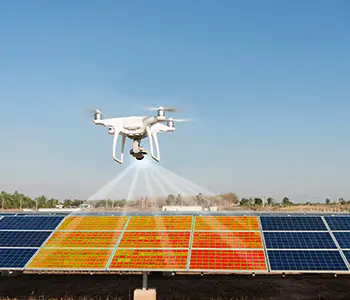
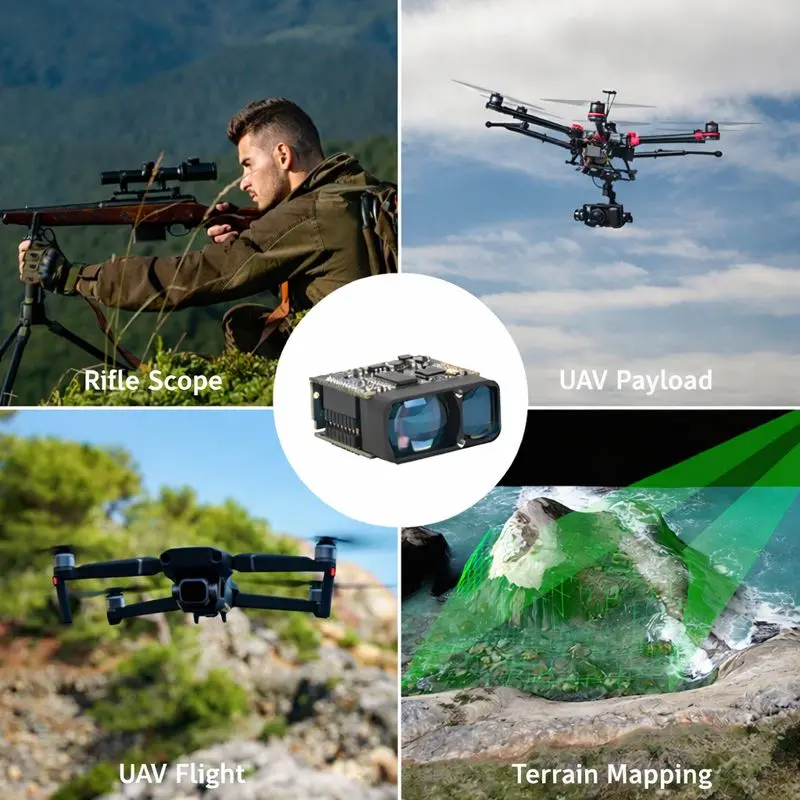
Miniaturized ToF laser sensors are widely used in:
- Mobile robots and AGVs
- Obstacle avoidance systems
- 산업 자동화
- Smart IoT devices
- Distance-based safety 탐지
Their small size, high accuracy, and UART simplicity make them ideal for embedded integration.

UART vs I²C ToF Laser Sensors: Which Should You Choose?
선택 UART if:
- You need long cable runs
- Data rate is high
- Environment has electrical noise
선택 I²C if:
- Distance is short
- Multiple sensors share one bus
- Simplicity matters more than speed
For industrial or robotics projects, UART ToF sensors are usually the safer choice.
Final Thoughts on ToF Laser Sensor UART Integration with Raspberry Pi
If your ToF laser sensor is not communicating via UART, the issue is almost always one of the following:
- Incorrect baud rate
- Voltage mismatch
- TX/RX wiring error
- Binary data misinterpretation
- UART resource conflict
Once these are resolved, UART-based ToF laser sensors are extremely reliable and performant.
This guide provides the foundation you need to integrate, debug, and deploy laser distance sensing in real-world Raspberry Pi projects.
자주 묻는 질문
What is a ToF laser distance sensor?
A ToF (Time of Flight) 레이저 거리 센서 measures distance by emitting a laser pulse and calculating the time it takes for the reflected light to return. Because the speed of light is constant, ToF sensors can achieve high accuracy, fast response time, and strong ambient light resistance, making them ideal for robotics and industrial applications.
Why do many ToF laser sensors use UART instead of I²C?
Many ToF laser sensors use UART because it provides more stable communication, higher data throughput, and better noise immunity than I²C. UART is also more reliable for longer cable distances and high-frequency distance measurements.
How do I connect a ToF laser sensor to a Raspberry Pi via UART?
To connect a ToF laser sensor to a Raspberry Pi via UART, wire the sensor’s TX to the Pi’s RX, RX to TX, and GND to GND. Enable UART in Raspberry Pi settings, disable serial console or Bluetooth conflicts, and ensure the sensor’s UART voltage level is compatible with the Pi’s 3.3V GPIO.
Why can’t my Raspberry Pi communicate with a laser distance sensor via UART?
The most common reasons are incorrect baud rate, reversed TX/RX wiring, voltage level mismatch, UART being disabled, or binary data being misinterpreted as text. Verifying these five points resolves most UART communication issues.
What baud rate do ToF laser distance sensors usually use?
Most ToF laser distance sensors use baud rates such as 115200, 230400, or higher, rather than 9600. Always check the sensor datasheet, as an incorrect baud rate will prevent any readable data from being received.
Does Raspberry Pi UART support 5V laser sensors?
No. Raspberry Pi UART GPIO pins operate at 3.3V logic levels and are not 5V tolerant. If the laser sensor outputs 5V UART signals, a logic level converter must be used to avoid damaging the Raspberry Pi.
Why does my ToF laser sensor output unreadable characters?
Most ToF laser sensors transmit binary data frames, not ASCII text. Viewing binary UART data as text results in unreadable characters. The data must be parsed according to the sensor’s communication protocol.
How do I read ToF laser sensor data on Raspberry Pi using Python?
You can read ToF laser sensor data using Python with the pySerial library. Open the correct UART port, set the proper baud rate, read raw bytes, and parse the data according to the sensor’s frame format defined in its documentation.
What are common applications of mini ToF laser range sensors?
Mini ToF laser range sensors are commonly used in robot obstacle avoidance, AGVs, industrial automation, smart devices, and distance-based safety systems due to their compact size and fast response.
Is UART better than I²C for laser distance sensors?
UART is generally better for laser distance sensors when longer cable lengths, higher data rates, or noisy environments are involved. I²C is suitable for short-distance, low-speed, multi-device setups.